

感谢您的提问!
抱歉由于,之前测试代码的时候不想发布文章,才把这个日期调整到了30天,忘记改了,下个版本我给他设置到后台,可以控制吧!目前由于新版本已经发布,不再去改那个代码,你可以按照下面的步骤解决
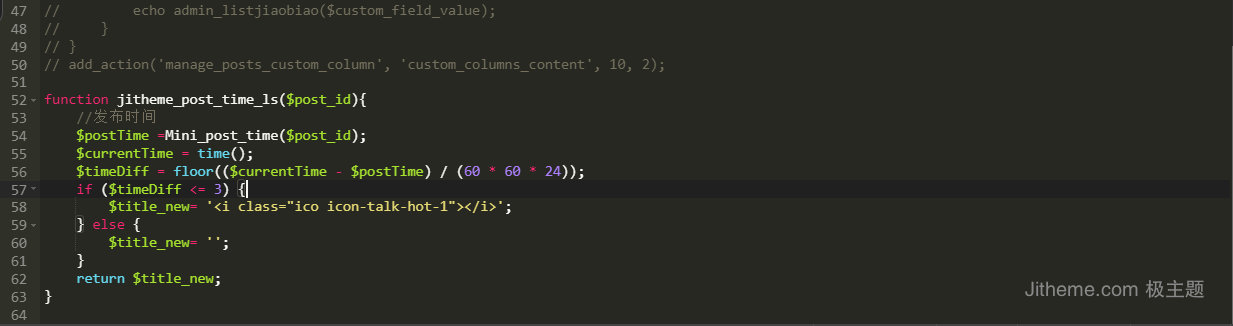
在子主题文件目录中找到functions.php这个文件,在最后面加入下面的代码:
function jitheme_post_time_ls($post_id){
    //发布时间
    $postTime =Mini_post_time($post_id);
    $currentTime = time();
    $timeDiff = floor(($currentTime - $postTime) / (60 * 60 * 24));
    if ($timeDiff <= 3) {
        $title_new= '<i class="ico icon-talk-hot-1"></i>';
    } else {
        $title_new= '';
    }
    return $title_new;
}注意:上述代码中$timeDiff <= 3 这个判断中的3就是你要设置的天数,可以根据需求设置即可。
然后再打开子主题目录b2Jitheme/Modules/Templates/Modules/Posts.php文件,然后利用查找替换功能,查找jitheme_post_time然后将其全部替换成jitheme_post_time_ls这个名字,然后在B2的模块设置中重新保存下首页的设置,注意是B2的首页设置。